Technology
East Catholic uses technology as one tool to fulfill its mission to provide opportunities for all students to learn and grow in a remarkable education setting grounded in Catholic faith and moral values.
To succeed in the 21st century, students must develop their skills as collaborators, communicators, and critical thinkers. Engaging our learners requires the seamless integration of technology throughout our academic program.
iPads at East Catholic
What is included in East Catholic’s iPad program?
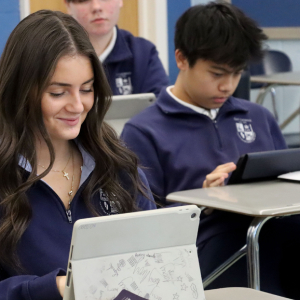
Each student is issued a 64 GB iPad, cable, and charger. Students are responsible for the care of the equipment on a daily basis and ensuring that it is kept in a safe environment.
Does my student need to keep their iPad in a case?
Yes. All iPads must be in a case. They are all 9th-generation devices. The model number is MK2Y3LL/A. You may choose any case as long as it offers adequate protection for the device.
What happens if my student’s iPad breaks?
Please report any technical or mechanical issues with the iPad to the ECHS IT Department. If a device needs to be replaced due to a cracked screen or physical damage, there will be an $80 fee.
How does the East Catholic App Store work?
East Catholic uses JAMF management software for device control. Apple endorses this program and provides the ability to control specific options on individual devices. Only school-approved apps can be downloaded to the iPads. The apps are educational and selected for their alignment with East Catholic’s academic program. The school-approved apps are available to the students via our curated Self-Service store.
Is there web filtering?
At East Catholic, web usage is controlled and filtered by our firewall to assure suitable content is available. iPad internet usage at home or at other locations is subject to the rules applied to that particular network. App usage and availability is enforced regardless of location.
Will my student need an Apple ID to use the school-issued iPad?
Each student will need an Apple ID if they purchased books through Apple. You must log into the iPad with the same Apple ID you used to purchase the books; otherwise, you will not have access to them.
Computers at East Catholic
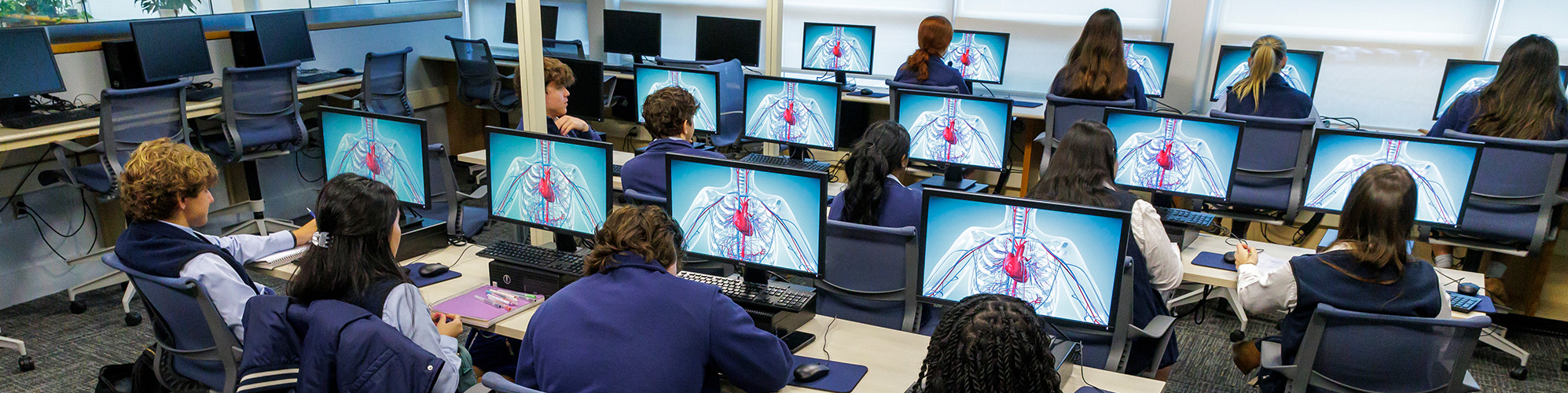
East Catholic has four main computer labs (each with 25 to 30 computers) and computers in our library media center, which houses another 30 units. In addition, laptops are available in the library media center and in the science department. A 30-unit graphics lab is available, where students can learn to use the Adobe Design Studio suite of software, including InDesign and Photoshop. All classrooms are equipped with a projector, and an increasing number of them have interactive capabilities.
Practical Applications of Technology at East Catholic
Through various courses, students learn how to use technology to produce a variety of products, from the use of Microsoft Office to produce spreadsheets and documents, to the use of digital photography, to video production and music composition.
In addition to using computers, the students participate in class activities using collaborative tools and apps on their iPads such as Apple Classroom and Google Docs.
Students also put their skills to practical use by aiding in the production of the school newspaper and yearbook.
Additional courses are available in computer science (full-year course) and animation (semester-long course).
Students will learn the meaning and importance of their digital footprint and of digital citizenship.
Student Email
Students are provided with an @echsmail.org email address, which is linked to their Google Workspace for Education account. Please access the “Google Workspace for Education Privacy Notice” here.